
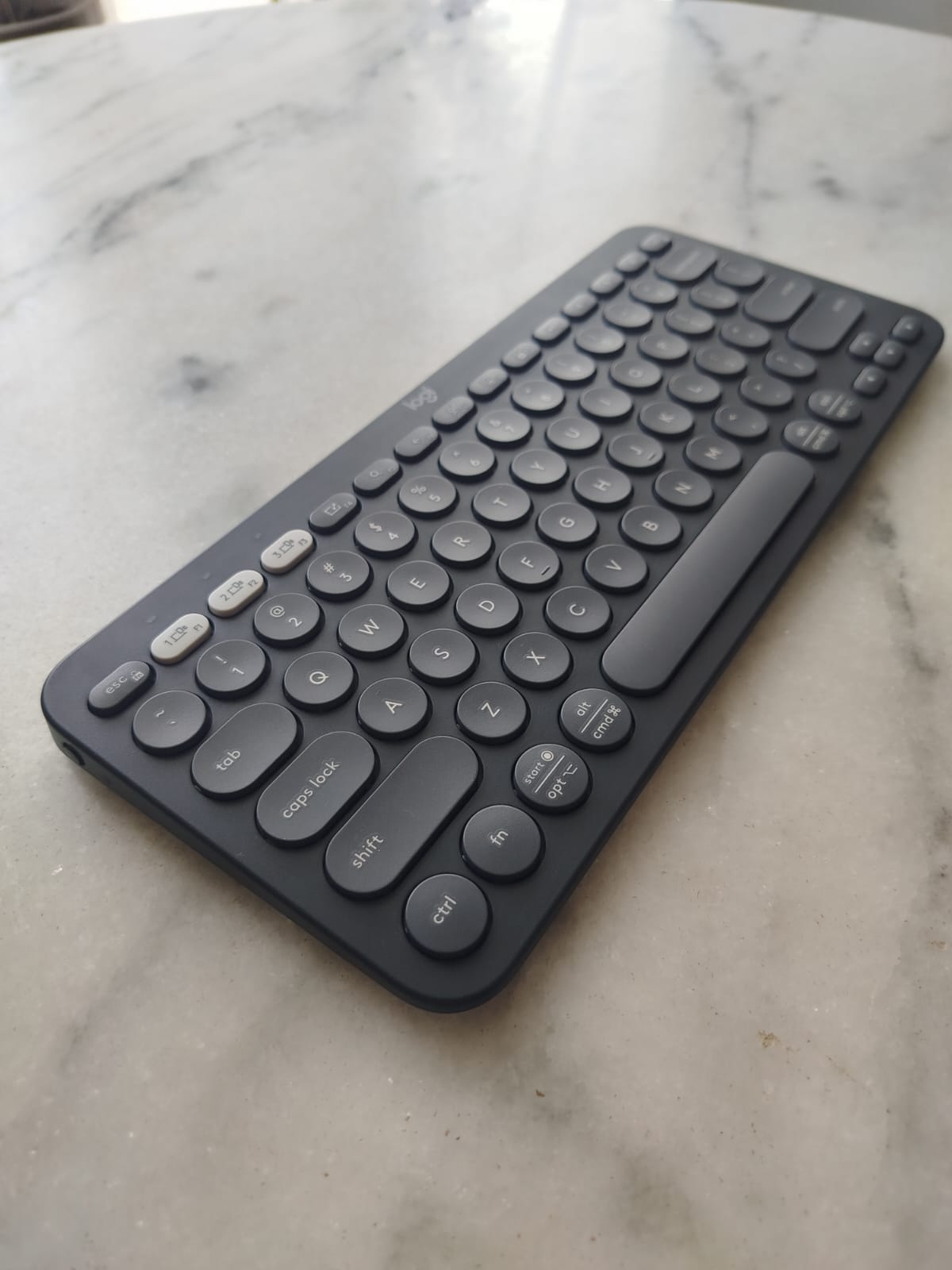

If you’ve ever bounced between creating music, writing, coding, and occasionally getting lost in a Minecraft world… then you know how much the right keyboard matters. The Logitech Pebble Keys 2 K380s is my latest companion in this creative chaos — and it has already earned its spot in my daily carry bag.
My Story With Compact Keyboards (Featuring a Very Old Surface Pro)
My relationship with portable keyboards started with the first-generation Surface Pro (Yes — I’m that old).
I loved that machine to death. Literally, as I destroyed two Type Covers back then: the standard one and the glorious Power Cover. Heavy user, heavy typing, zero mercy.
So I tested several keyboards until the original Logitech K380 (blue) won me over.
But then my mom loved to borrow it to use it with her iPad so I gave it to her and I upgraded to the mighty K780 for desktop work.
Years later, I found myself working on the go again. Without overthinking, I googled “K380” and saw the new Pebble Keys K380s in three fresh colors. Instant buy. No hesitation.
Design & Build: Lightweight, Solid, and Quiet
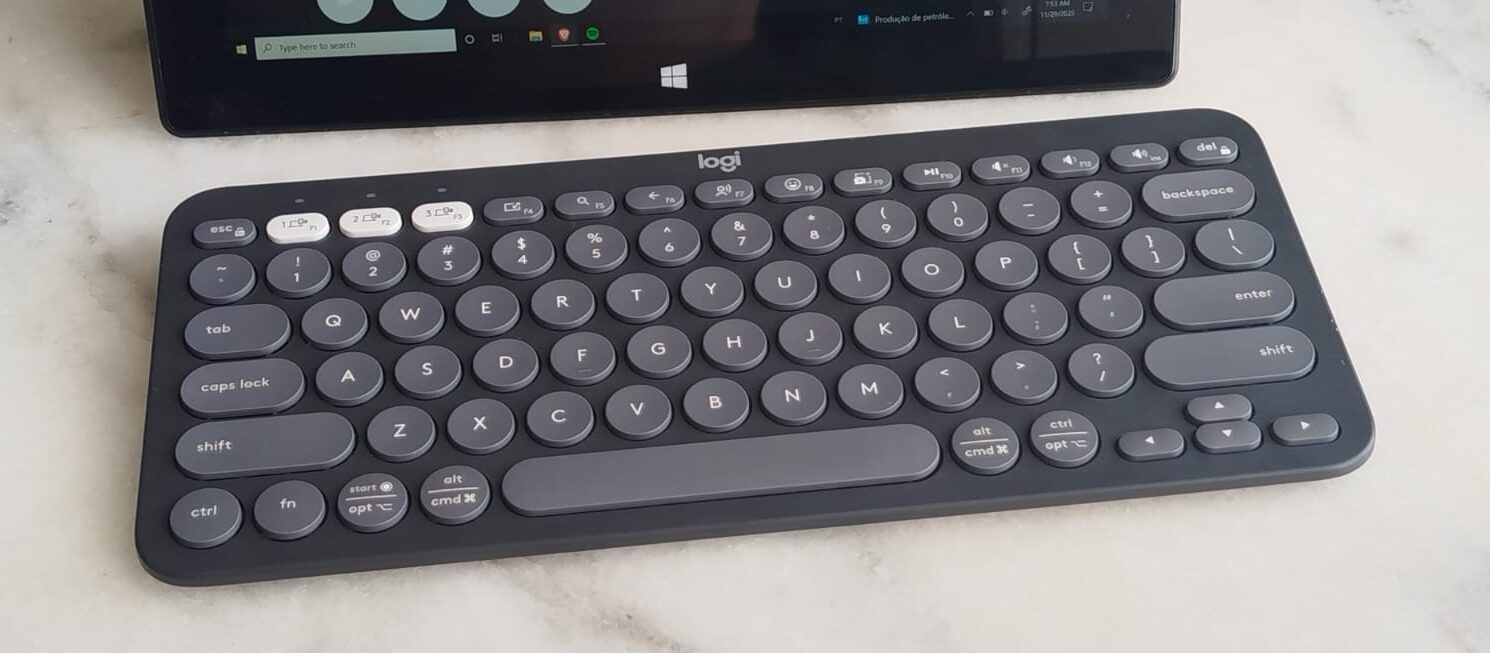
The Pebble Keys 2 K380s feels like a modernized version of the original — with nice colors, clean lines, and a satisfying minimalist look.
Typing on it is:
- quiet
- responsive
- smooth
- surprisingly comfortable
Despite being so light, it doesn’t feel flimsy at all.
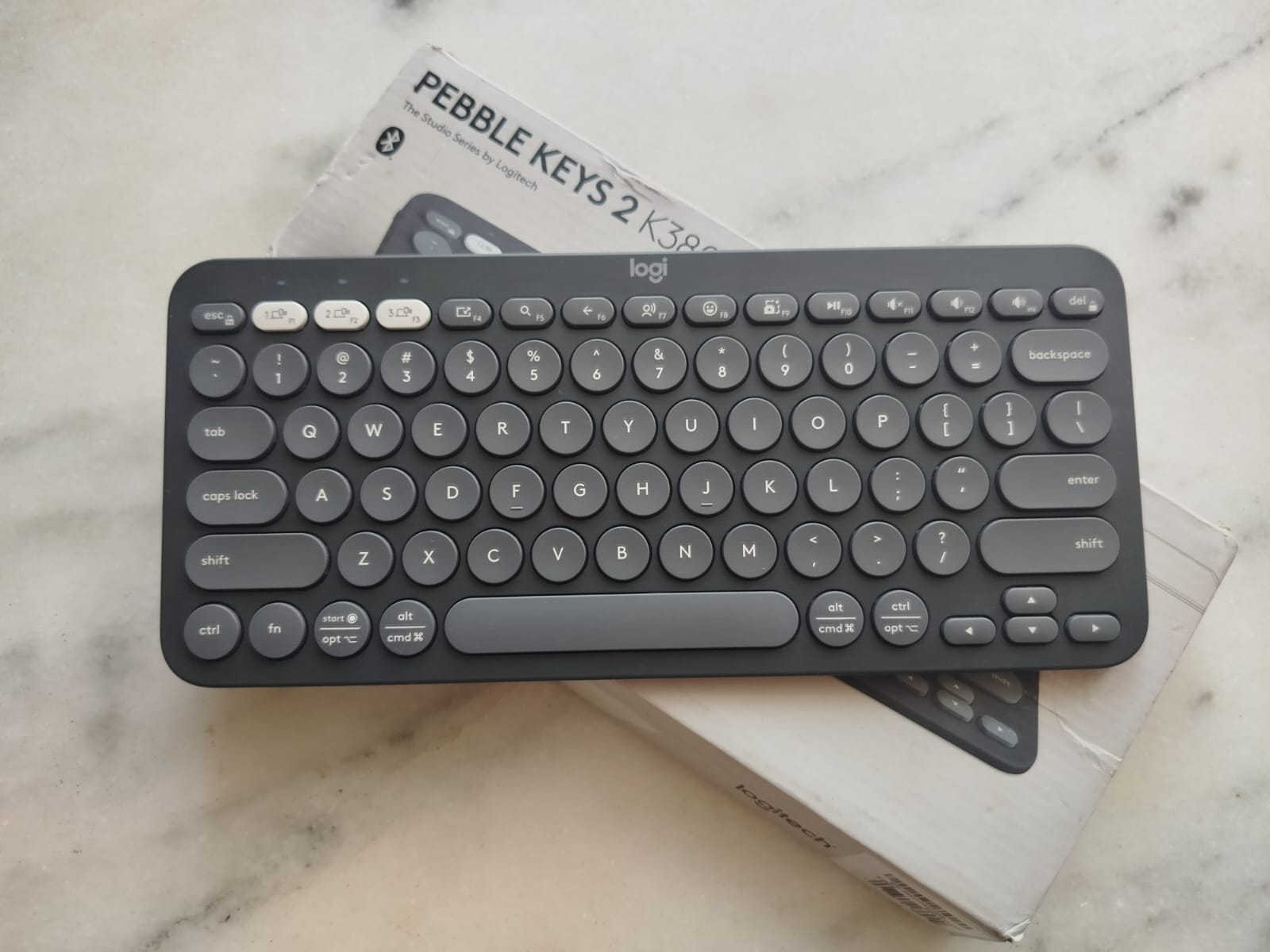
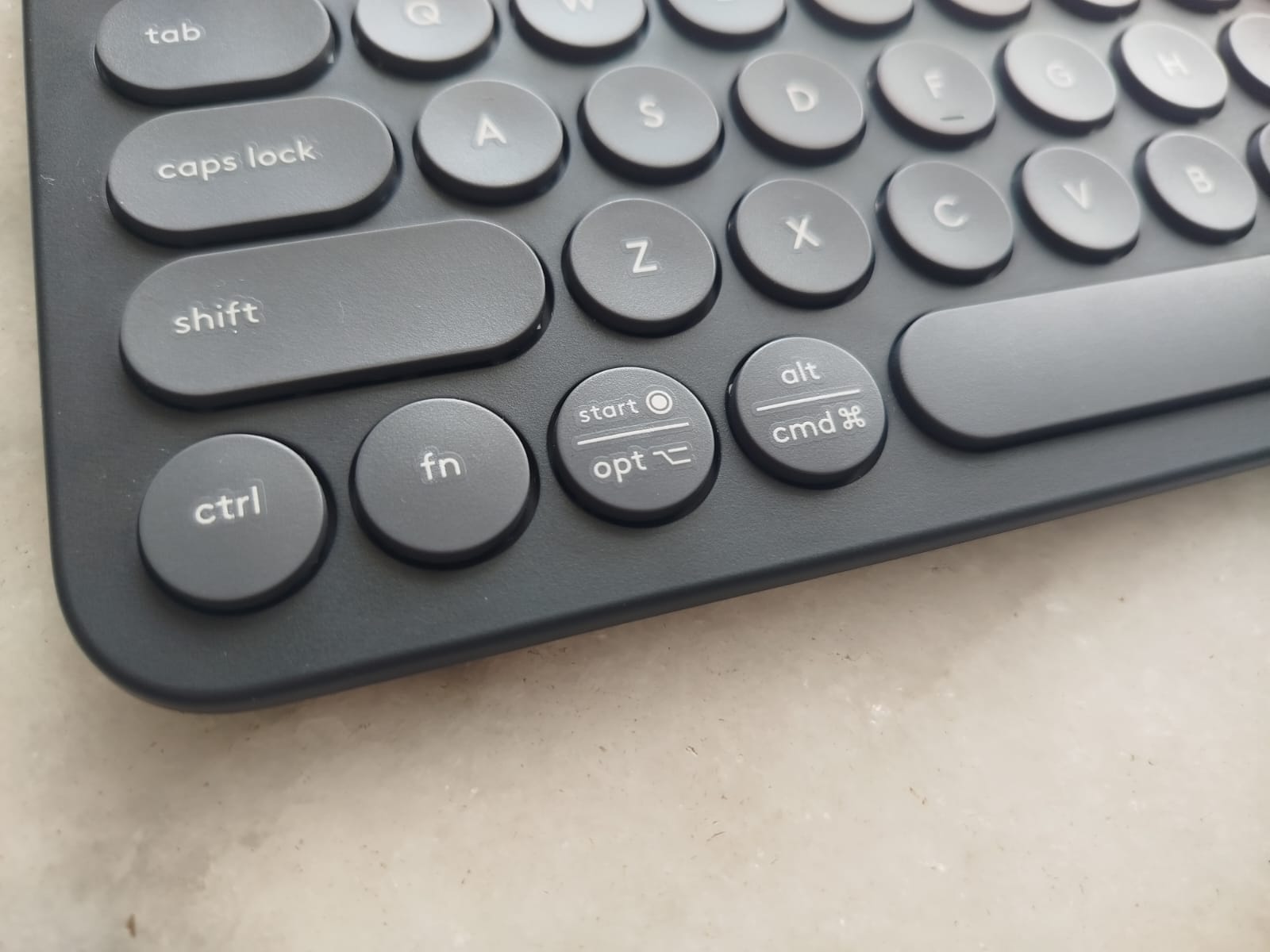
I type in three languages — English, Portuguese, Spanish — so the US-International layout is a perfect fit. The modifier keys subtly support Windows, Android, and macOS all at once.
Bluetooth Pairing: Switch Between 3 Devices Instantly
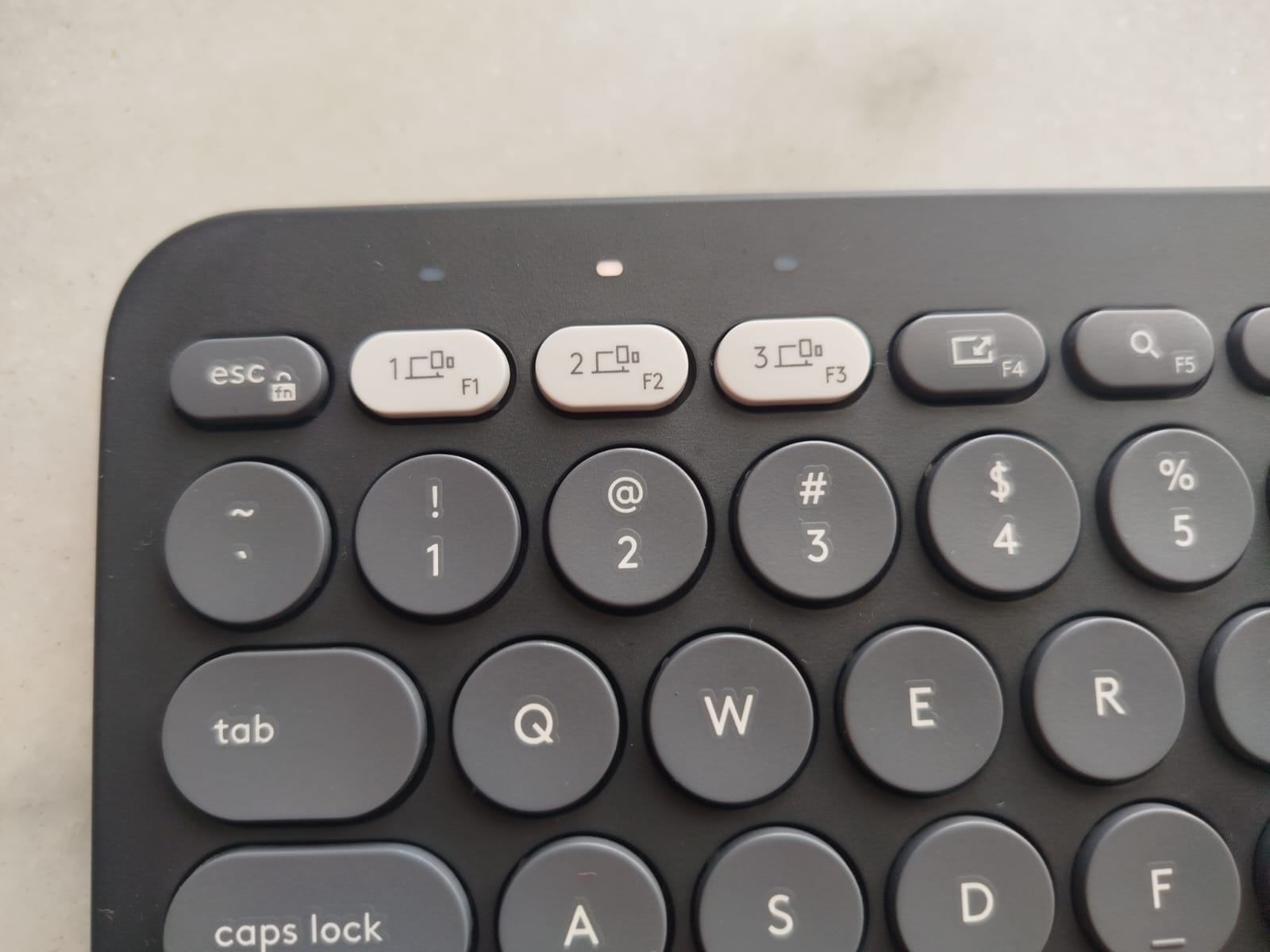
The K380s pairs with up to three Bluetooth devices, and switching is instant using the circular 1–2–3 keys.
I routinely jump between:
- Surface Pro
- Android phone
- PC on my desk
Zero lag. Zero drama.
Battery Life: AAA Batteries That Last Forever
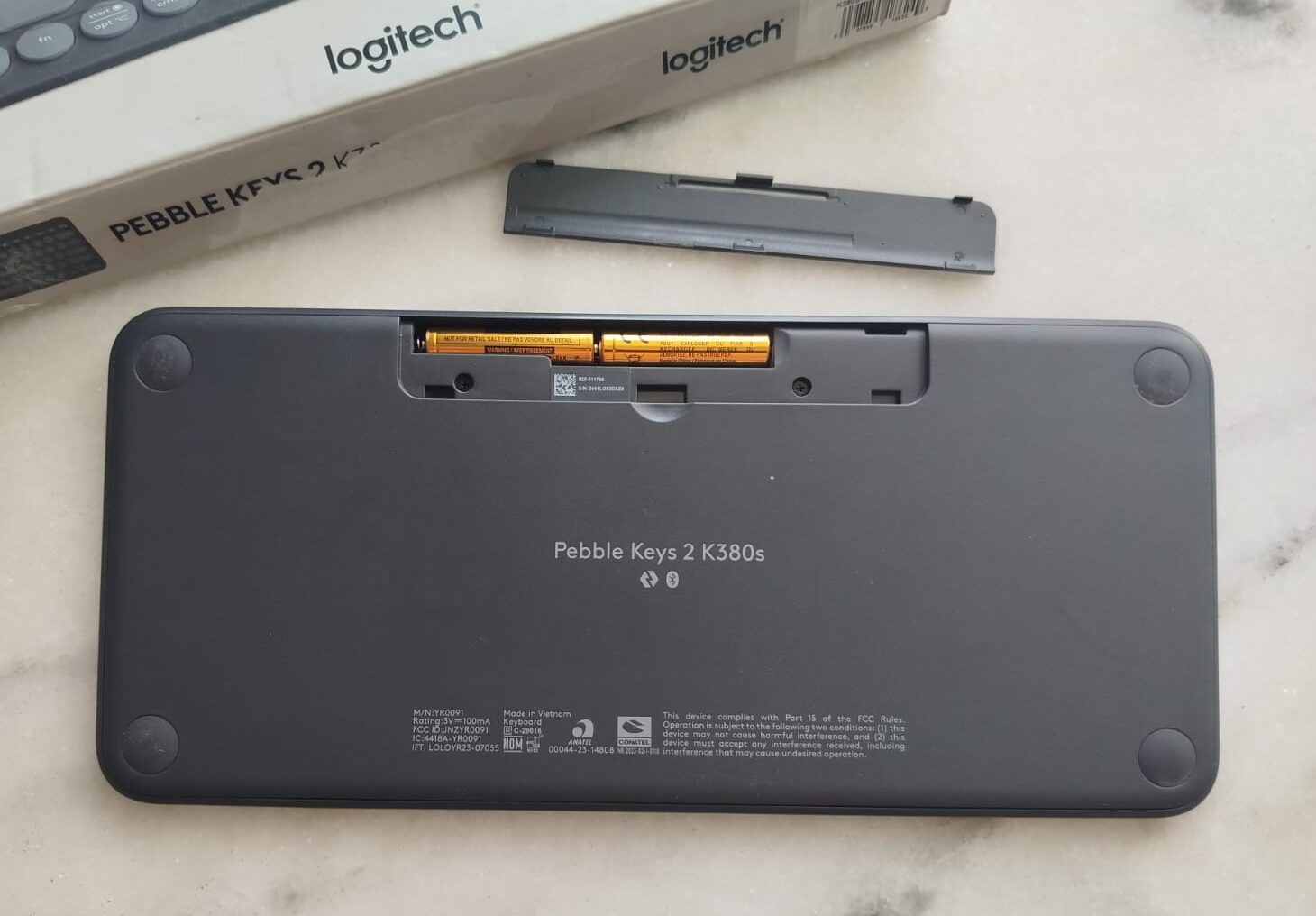
The keyboard uses two AAA batteries, which keeps it feather-light.
Logitech claims up to 36 months of battery life, and honestly… I believe it. They’re wizards at battery efficiency.
Logi Options+: Smarter Than It Looks
Logi Options+ takes this keyboard to another level.
With it, you can:
- Swap Fn key behavior
- assign new actions to the F-keys
- trigger Windows/macOS shortcuts
- create “Smart Actions” like muting audio on a specific app
- launch apps or automate workflows
For a portable keyboard, it’s an impressive level of control.
Typing Feel: Round Keys, Good Spacing, and No Wrist Drama
Round keys are a matter of taste.
Personally? I type better on them. With more space around each key my big fingers make fewer typos.
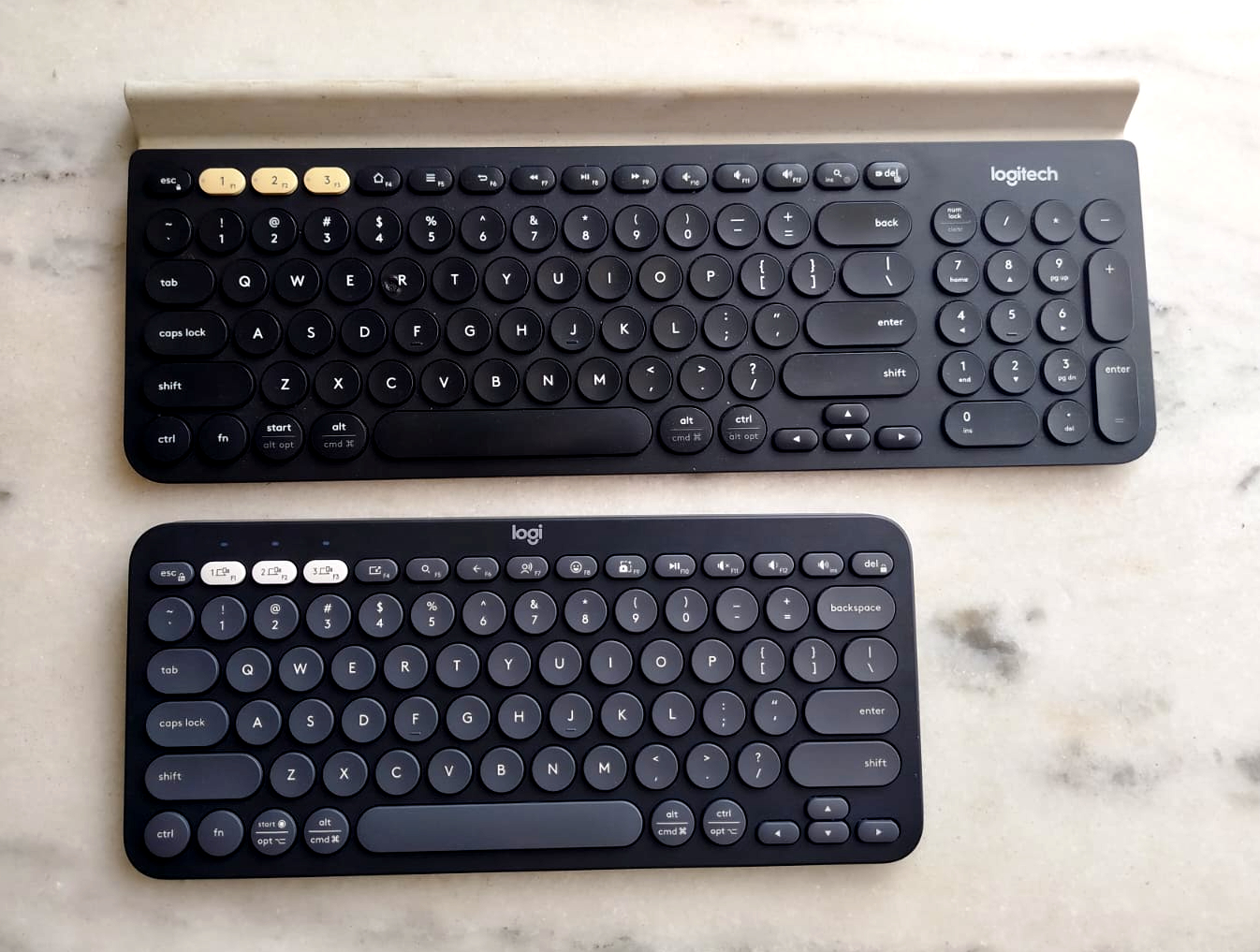
The layout is compact, but not really cramped.
Compared to my K780, the K380s keys are just slightly smaller, as you can see in the image.
Gaming: Casual? Yes. Action? Better not.
I tested the K380s on my main computer with some games. Minecraft ran perfectly. ARC Raiders… maybe not a good idea.
The K380s can handle casual gaming, but doesn’t feel like it’s meant for action-heavy titles. While responsive, it is not very suited for finger-intensive games, nor sturdy enough for all the pain and suffering of a post-apocalyptic shooting game. For these moments I rely on my unbreakable K780.
Real-World Use: From Master’s Degree to Daily Work
I’ve used the K380s for:
- studying
- writing papers
- drafting blog posts
- coding tests
- writing music notes
- replying to emails on my phone
- digital nomad work sessions in random cafés
It’s a companion keyboard. The kind that disappears into your flow — and that’s a compliment.
Verdict: A Perfect Companion for a Portable Lifestyle
The Logitech Pebble Keys 2 K380s is the perfect balance between portability, quiet performance, and smart features. It has already become an essential part of my mobile setup — and honestly, I’m a little in love.
If you’re a writer, student, coder, traveler, or productivity-obsessed human, this thing will slot right into your workflow.
And yes, my Logitech family keeps growing.
